Interactive Tool
Visualize on Your Wall
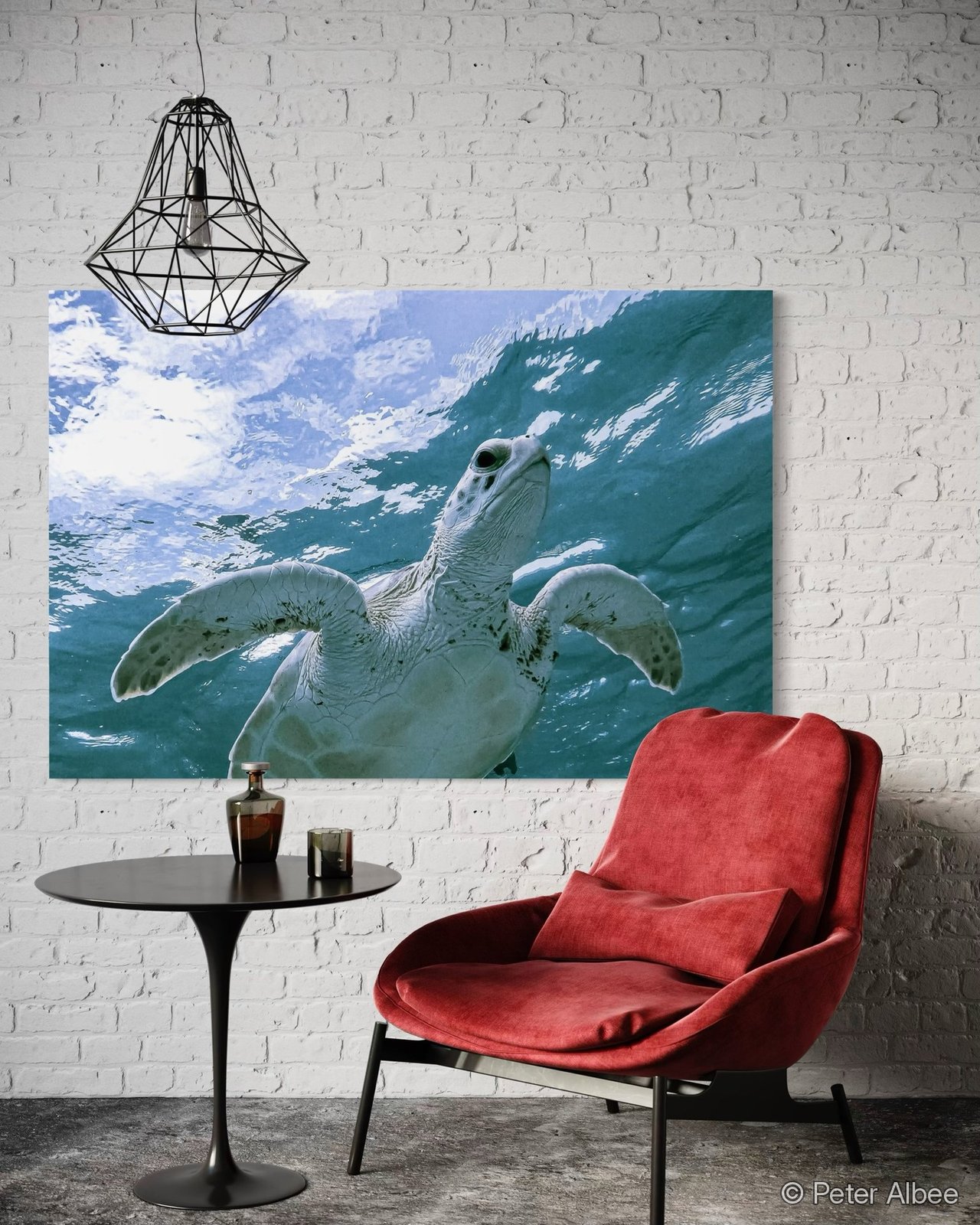
Upload a photo of your own room, choose a print from the archive, then drag, resize, and rotate it right on top of your photo — a quick, approximate way to see how a piece might look before you order.
1. Your Room Photo
Upload a photo of your wall or room to get started.
On mobile, this opens your camera directly.
Drag the print to move it. Use the corner handle to resize, the top handle to rotate.
2. Choose a Print
3. Approximate Size
Common Print SizesApproximate visualization only. This tool is a helpful sizing and placement aid, not a precision AR measurement — it doesn't account for camera angle, lens distortion, or exact wall distance. For exact fit, measure your wall and compare to the sizes on the Prints page.